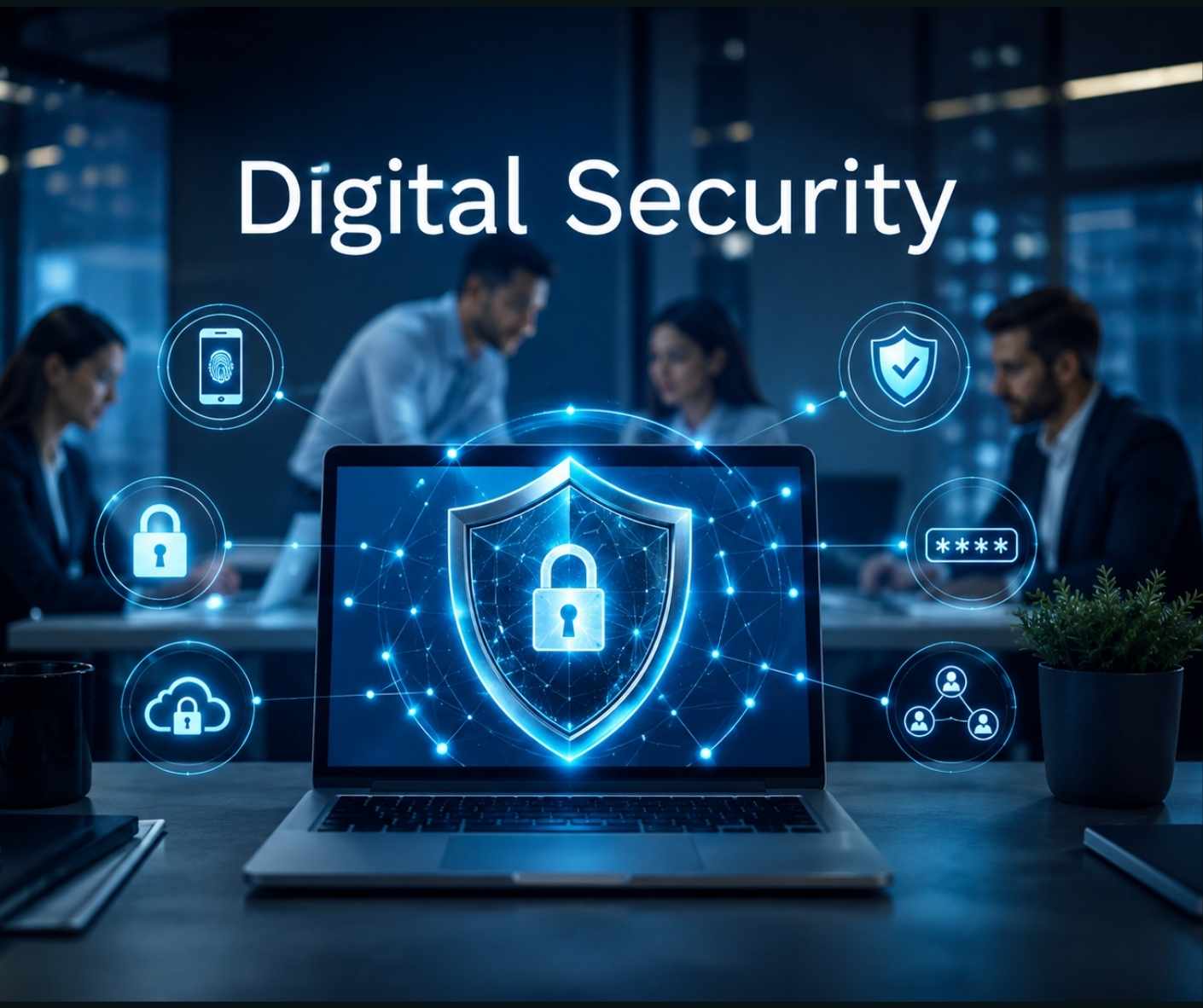
Keeping your business safe online comes down to a few simple habits rather than expensive software. Turn on multi-factor authentication, train your team to spot fake emails, update your systems regularly and make sure your backups actually work. That is the core of it. We get distracted by flashy tech but the truth is hackers usually just walk through the front door because someone reused a weak password on an important account.
Why the basics matter most
I remember setting up my first office network about ten years ago. I bought the most expensive hardware firewall I could afford thinking it would make us completely bulletproof against any threat on the internet. Within a month a junior staff member clicked a dodgy link in an email and the whole system locked up. It was a miserable weekend trying to fix that mess. It taught me a massive lesson about where the real vulnerabilities lie.
The reality is that complex enterprise systems are massive overkill for most small companies. The UK National Cyber Security Centre repeatedly says that focusing on basic controls stops the vast majority of common attacks. You want to make it hard for opportunistic criminals to break in. They are usually lazy. If your front door is locked they will just move on to the next house down the street that left a window open.
When you strip away the confusing jargon digital security is just risk management. It protects your bottom line and keeps your customers trusting you. You do not need a team of hackers in hoodies defending your network 24/7. You just need sensible repeatable habits that everyone in the company follows without thinking too much about it.
Staff awareness stops phishing dead
Phishing remains one of the absolute most common ways businesses get compromised. Fake emails or text messages are designed to trick staff into giving away passwords or transferring money to fraudulent accounts. It sounds completely obvious when you read about it in a training manual but these emails can look incredibly convincing when you are rushing through your inbox on a Monday morning trying to clear a backlog.
Training your team is your very first line of defence.
I think a lot of managers assume their staff just know what to look for intuitively. But social engineering preys on basic human nature. People want to be helpful to their bosses or they panic when an urgent email says their software account is locked. Modern phishing emails even use AI to write perfectly spelled grammatically correct messages that mimic your CEO. Regular brief training sessions keep everyone alert without making them totally paranoid. You just want them to pause for three seconds before they click a link.
Passwords and multi-factor authentication
We all hate passwords. There are simply too many of them & they are impossible to remember if you make them properly secure like you are supposed to. But weak or reused passwords are a massive risk for any growing business. Attackers buy huge lists of stolen credentials online and just test them automatically against business accounts until they get a hit.
This brings us to multi-factor authentication. Or MFA as the IT crowd likes to call it. It is simply a second proof of identity after the password like a code on your phone or a fingerprint scan. Microsoft data shows that turning on MFA blocks almost all automated account compromise attempts. It is shockingly effective for something so simple.
It is arguably the highest-value quick win for any small business looking to improve things quickly. Yes it adds a couple of seconds to logging in every morning. But that tiny friction is completely worth it to stop a criminal taking over your email and sending fake invoices to your best clients. Just turn it on everywhere you possibly can. Use a password manager too. They generate complex passwords and store them securely so your brain doesn’t have to do the heavy lifting.
Updates and patching fix known holes
Software updates are incredibly annoying. They always seem to pop up right when you are in the middle of a crucial presentation or a video call. But hitting ‘remind me tomorrow’ over and over is a terrible habit that leaves your business completely exposed to threats.
Unpatched software is an open window for attackers. When companies like Apple or Microsoft release a security patch they are essentially publishing a detailed map of a known vulnerability to the public. Criminals look at that map and immediately start scanning the internet for businesses that have not applied the fix yet. The CISA in the US constantly stresses how urgent it is to patch known exploited vulnerabilities before they get used against you.
You have to close those holes quickly. Make sure operating systems and web apps update automatically wherever possible. It is a completely free way to dramatically improve your resilience against automated malware. If a piece of software is so old that it no longer receives updates you need to replace it. Holding onto legacy systems is a gamble you will eventually lose.
Backups mean you can actually recover
If the worst happens and a ransomware attack encrypts your files or a server literally catches fire your backups are the only thing that will save your business from disaster. But just having a backup running in the background is not enough. You have to actually know that it works when things go wrong.
I am always surprised by how many businesses set up a backup drive five years ago and never checked it again. When they finally need it they realise it stopped working months ago. You need to test your restores regularly to ensure they can actually accomodate your recovery needs. A backup is totally useless if the files are corrupted when you try to pull them back down.
A good rule of thumb is the 3-2-1 approach. Three copies of your data on two different media types with one stored offsite or in the cloud. It sounds a bit technical but it basically means you are never relying on a single piece of fragile hardware. It makes bouncing back from an incident much faster and far less stressful. Cloud backups are fantastic because they are usually insulated from local network infections.
Limit who can access sensitive files
Not everyone in your company needs access to the payroll spreadsheets or the master client database. The principle of least privilege is just a fancy way of saying people should only have access to the exact data they absolutely need to do their specific jobs.
If a junior employee’s email account gets hacked you want the blast radius to be as small as possible. If they have access to everything the hacker has access to everything. This is why shared generic accounts like ‘admin@company.com’ that five different people use are a terrible idea. You can never tell who did what if something goes missing.
Restricting access limits the potential damage. It also helps prevent accidental deletion which is honestly just as common as malicious attacks. Review your folder permissions every few months. It takes ten minutes but it stops a minor compromise turning into a major data breach that you have to report to regulators.
Why keeping security consistent is tough
Knowing what to do is the easy part. Actually doing it every single week without fail is the hard part. Running a business takes up all your time and mental energy so checking backup logs or chasing staff to update their laptops usually falls right to the bottom of the pile.
This is where professional oversight becomes incredibly valuable. Outsourcing to reliable IT support Surrey businesses trust means these simple habits are maintained consistently in the background. They monitor systems enforce security policies and handle the tedious patching so you don’t have to worry about it. It ensures you stay compliant without draining your internal resources or frustrating your team.
They can also help you achieve important certifications like the UK Government backed Cyber Essentials scheme. This proves to your customers that you take their private data seriously. It is a brilliant trust signal that can genuinly help you win new commercial contracts while keeping your daily operations highly secure.
Final Thoughts
Digital security really does not have to be a massive headache that keeps you awake at night. You do not need to spend a fortune on military grade encryption or hire a dedicated team of security analysts to watch screens all day.
Focus on the boring basics first. Train your people to be sceptical of weird emails. Use strong unique passwords everywhere. Turn on MFA for every single account. Keep your software updated and test those backups so you know they will save you when a hard drive inevitably dies.
It is all about building simple preventative habits that protect your hard work. Stay safe out there and don’t let the fear of cyber attacks stop you from growing your business. Just lock the front door and get on with doing what you do best.